Are you moving into a new home and trying to make it feel safer from the first week?
A home security camera system can bring calm, confidence, and better control over your property. For new homeowners, the goal is not to fill every corner with cameras.
Instead, the smart approach is to place the right cameras in the right spots, connect them properly, and use simple settings that protect your home without adding stress.
A good camera setup helps you monitor entry points, check deliveries, notice unusual activity, and feel more at ease when you are away. However, before buying or installing anything, it is important to think through your home layout, internet strength, privacy needs, and daily routine.
Home Security Planning
A strong setup begins with a clear plan. Walk around your home during the day and evening, then note the areas that feel exposed. Look at doors, windows, driveway areas, side paths, fences, and dark corners. This first step helps you avoid random placement and wasted money.
Choose Key Camera Locations
Start with the main entry points. The front door is usually the priority because it captures visitors, deliveries, and most movement near the home.
Next, consider the back door, garage, driveway, and any side entrance. If your property has a basement walkout or large ground-level windows, those areas may also need attention.
Camera Type Selection
Different homes need different camera types. Some new homeowners prefer wired systems for a steady connection, while others choose wireless cameras for easier placement. Both can work well, but each has practical points to consider.
Pick Wired Or Wireless Cameras
Wired cameras often suit homeowners who want a more permanent setup. They can be reliable, but installation may take more planning. Wireless cameras are easier to place and move, yet they depend on strong signal quality and battery care if they are not plugged in.
If you choose wireless cameras, a strong home internet can help video load faster and alerts reach your phone with fewer delays. Since cameras can use steady data, place your router where it supports both indoor and outdoor coverage.
Internet And Storage Needs
Security cameras need a stable connection and a smart storage plan. Without those two pieces, even a good camera may miss important moments or send late alerts.
Check Signal Strength
Before final mounting, test each camera in its planned spot. Open the live view, walk through the area, and check if the video stays clear. If the feed freezes or delays, the signal may be weak. In that case, move the camera, adjust the router position, or consider improving the home network.
When comparing internet providers, new homeowners should think about speed, reliability, upload performance, and household needs. Security cameras, video calls, streaming, and smart home devices can all share the same connection, so the plan should match real use.
Smart Installation Steps
Installation should be neat, safe, and practical. Rushing this part can lead to weak angles, poor night vision, and unreliable alerts.
Mount And Test Each Camera
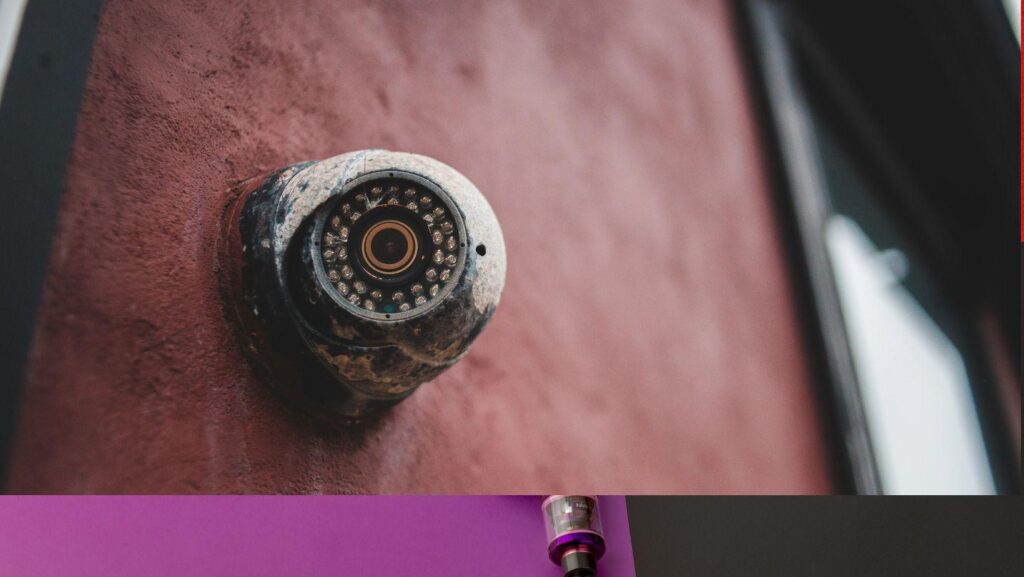
Use the correct screws, brackets, and weather-safe placement for outdoor areas. Keep cameras under eaves or covered spots when possible to protect them from rain, snow, and direct harsh sunlight. After mounting, test the view again.
Privacy And Security Settings
A home camera system should protect your family, not create new risks. Privacy settings and account security matter as much as camera placement.
Secure Your Camera Account
Use a strong password that is not used for other accounts. Turn on extra login protection when available. Also, keep camera software updated because updates can fix security issues and improve performance.
Family Use And Maintenance
After setup, make the system part of your regular home routine. A camera system works best when the family understands how to use it calmly and responsibly.
Create A Simple Review Routine
Check camera angles monthly, clean lenses, review storage, and test alerts. Seasonal changes can affect visibility. For example, growing plants, snow piles, or new outdoor furniture may block the view.
Final Thoughts
Setting up a home security camera system as a new homeowner does not need to feel difficult. Start with the most important areas, choose cameras that fit your home, support them with a reliable connection, and protect your account with strong settings. With a thoughtful plan and steady upkeep, your camera system can add real peace of mind and help your new home feel safe, settled, and ready for daily life.